
Download iA Writer – writing app, distraction-free writing, minimalistic interface, focus mode, plain text, cloud sync, export options, note-taking tool, creative writing, writing tool
Overview
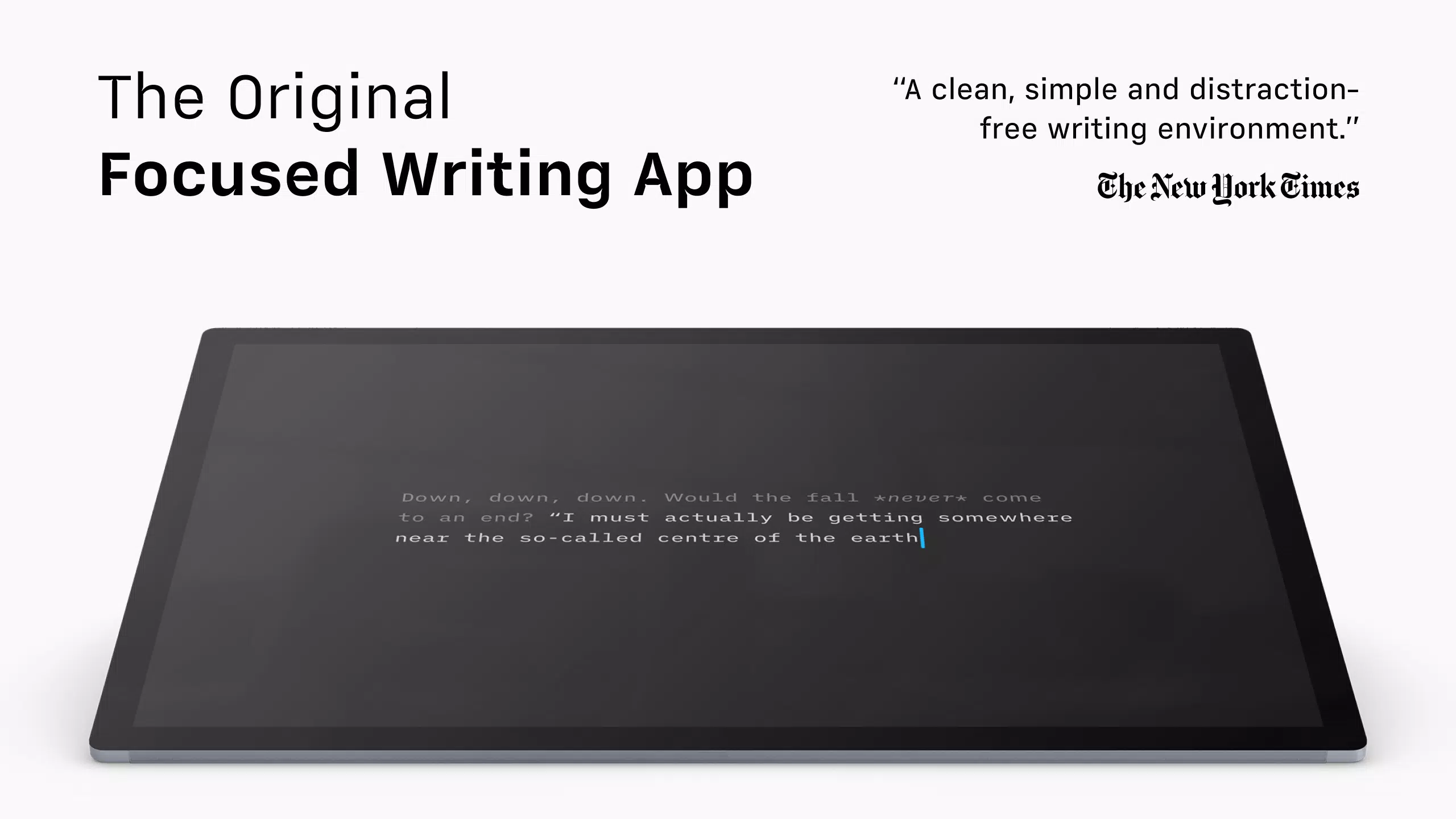
iA Writer is a minimalistic writing application designed to enhance focus and clarity in the writing process. Built for individuals who value concentration over clutter, the app creates a serene digital environment where ideas can emerge without interference. It serves as a powerful tool for writers, students, professionals, and creatives seeking to improve the quality and flow of their written work. Whether drafting a novel, composing a research paper, or capturing daily thoughts, iA Writer supports a clean and intentional writing experience.
The app’s core philosophy centers on reducing distractions and prioritizing content over presentation. By minimizing visual noise and interface complexity, it allows users to remain immersed in their thoughts. This makes it especially effective for deep work sessions, creative brainstorming, and long-form writing. The developer, iA Inc., has established a reputation for crafting intuitive, design-led productivity tools, and iA Writer reflects that commitment through its thoughtful execution.
Real-world use cases include academic writing, journaling, script development, and content creation for blogs or publications. The app’s support for multiple cloud services ensures that work remains accessible across devices, fostering continuity in workflows. In the broader app ecosystem, iA Writer fills a niche for users who reject feature-heavy writing tools in favor of simplicity and purpose-driven design.
Key Features & Functionality
- Distraction-Free Environment: iA Writer presents a clean, uncluttered interface that hides all non-essential elements. This allows users to focus exclusively on their text, reducing mental fatigue and enhancing concentration.
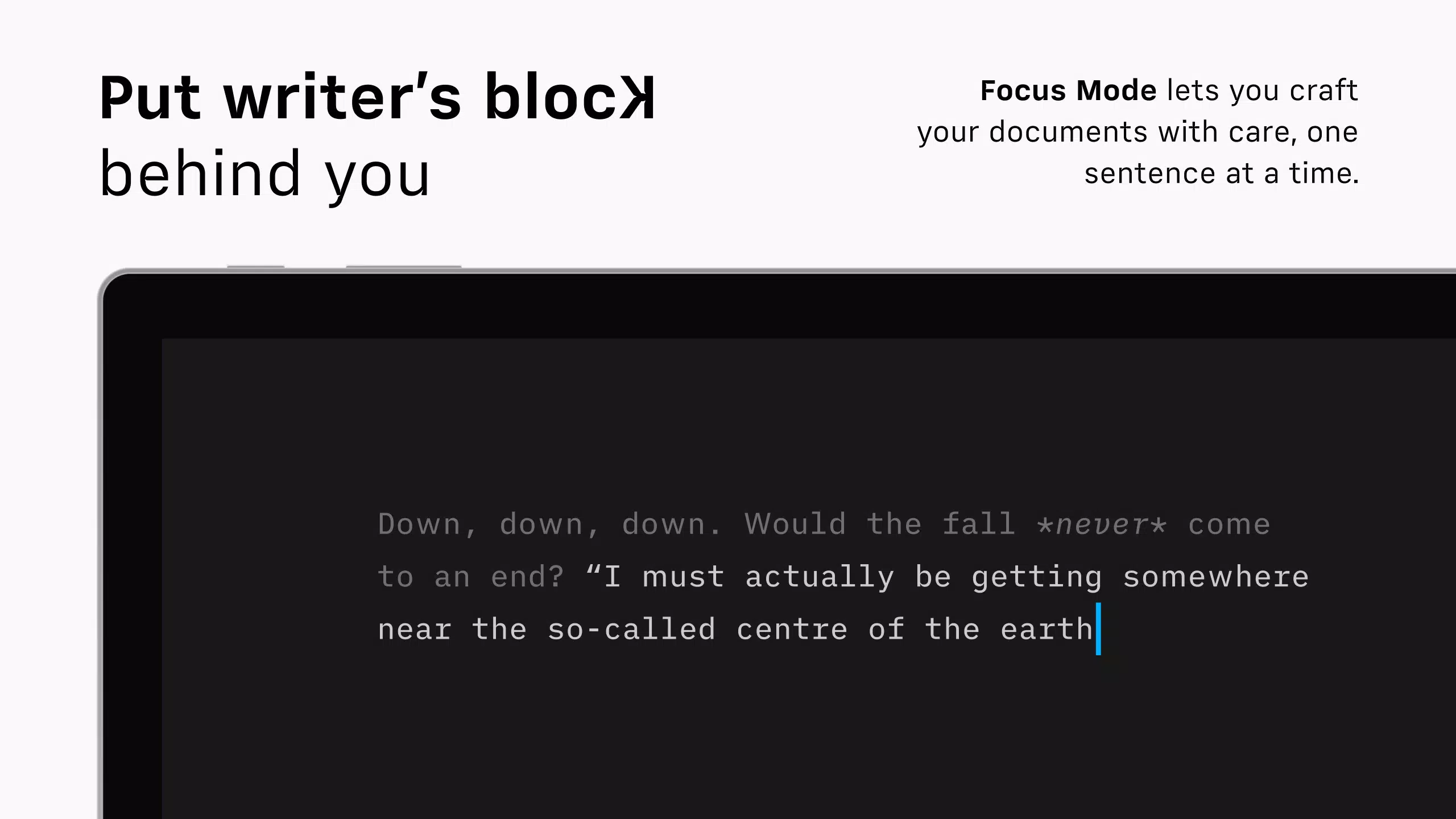
- Focus Mode: This immersive feature dims all text except the current sentence or paragraph, guiding the user’s attention to the immediate writing task. It is ideal for maintaining flow during intense writing sessions.
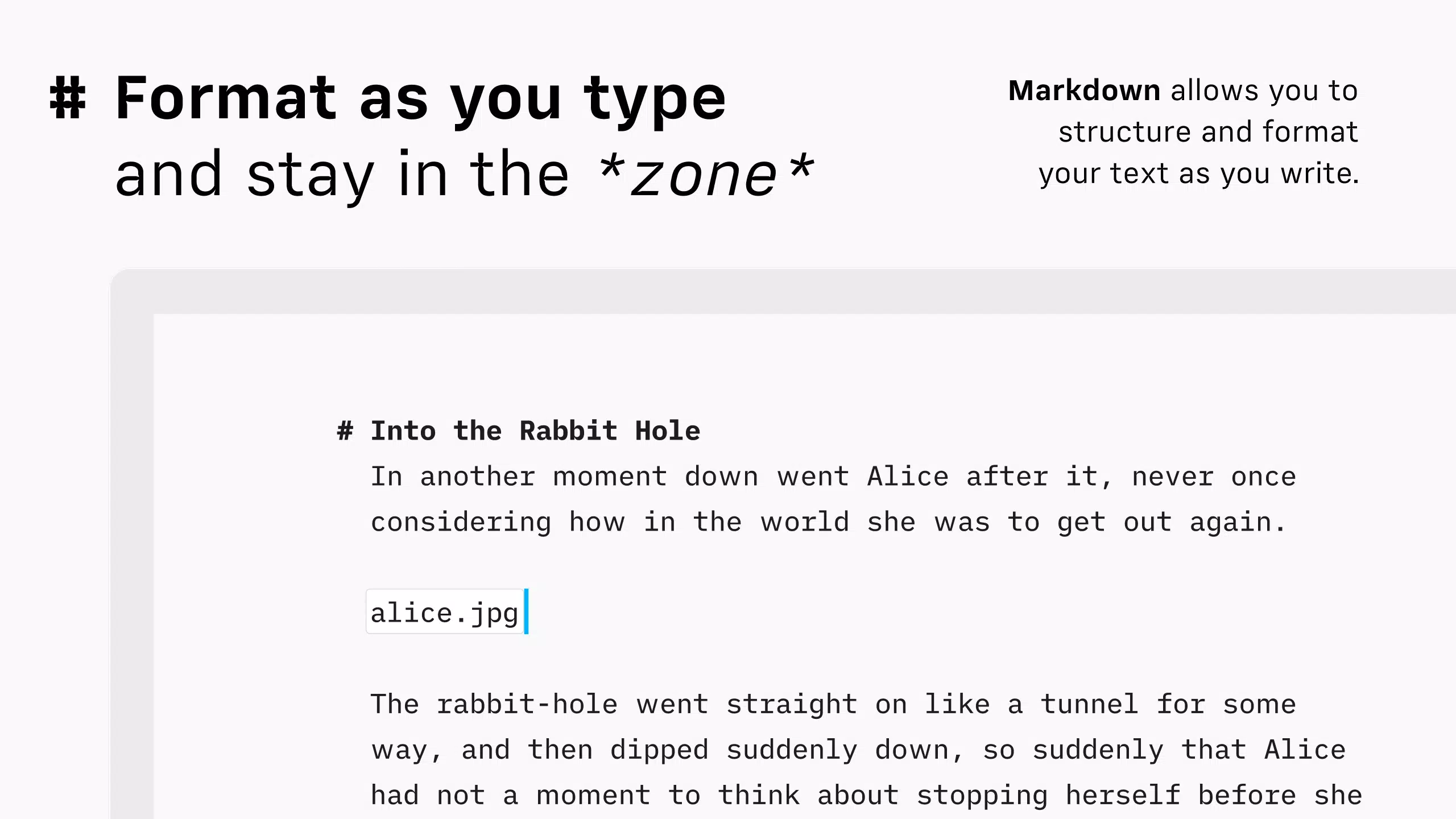
- Plain Text Simplicity: The app encourages writing in plain text without formatting, helping users avoid premature formatting decisions. Once content is drafted, it can be previewed in HTML to visualize the final structure.
- Organizational Tools: Users can search, sort, and switch between documents effortlessly. Built-in support for multiple cloud services ensures seamless access and synchronization across devices.
- Customizable Exports: iA Writer allows users to export their work in various formats, including HTML, Microsoft Word, and PDF. Templates can be customized to meet specific formatting needs.
For example, a novelist might use Focus Mode to write a single chapter without interruption, then export the completed draft as a PDF for sharing with an editor. A student could draft lecture notes in plain text, organize them by topic, and later convert them into a formatted Word document for submission. These practical applications highlight how the app’s features align with real writing workflows.
Interface, UX & Performance
The user interface of iA Writer is defined by its minimalist aesthetic—clean lines, subtle typography, and a lack of visual clutter. The layout prioritizes readability and ease of navigation, with intuitive gestures for switching between documents and accessing settings. The app maintains a consistent design language across all screens, contributing to a seamless user experience.
Navigation is straightforward, relying on a simple sidebar for document management and a central text area for writing. The app responds quickly to user input, and transitions between modes—such as switching from writing to preview—are smooth and instantaneous. Although the developer did not list formal performance metrics, the app’s lightweight size of 31.4 MB suggests efficient resource usage.
Performance appears stable across different device categories, with responsive interactions and minimal lag during extended writing sessions. The app maintains reliability even when handling multiple documents or large text files. Stability is further supported by the use of plain text as the primary format, which reduces the risk of corruption or rendering issues.
Platform Compatibility & Technical Requirements
iA Writer is available exclusively on iOS, making it accessible to iPhone and iPad users. The current version is 5.1.2, with a file size of 31.4 MB. This compact footprint ensures quick installation and minimal storage impact. The developer did not specify minimum OS requirements, so compatibility with older iOS versions cannot be confirmed.
Users should ensure their device meets the system requirements for the latest iOS release. While the app does not require high-end hardware, optimal performance may depend on device storage and available RAM. The lack of Android or web support limits accessibility for users outside the Apple ecosystem.
Pros and Cons
Pros
- Minimalistic interface enhances focus and reduces mental fatigue
- Focus Mode effectively isolates the current writing segment for deep concentration
- Plain text workflow supports unfiltered idea generation
- Seamless cloud sync across multiple services ensures document accessibility
- Flexible export options support diverse formatting needs
Cons
- Exclusive iOS availability limits cross-platform users
- Price point of $14.99 may be considered high for casual users
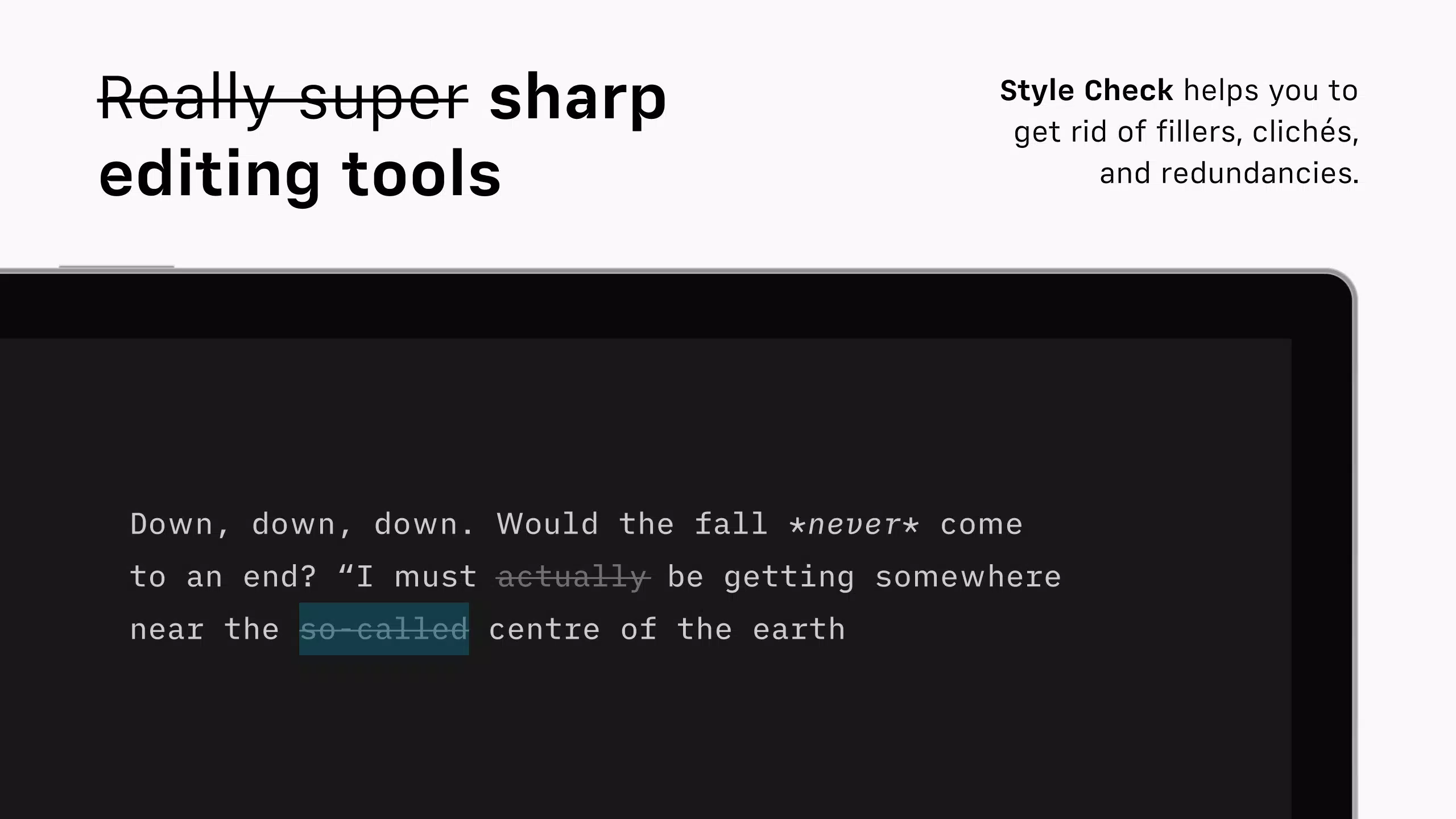
- No built-in grammar or spell-check tools
- Advanced formatting options are not native to the app
- Developer did not provide detailed technical specifications
FAQ
Is iA Writer available on Android?
As of now, iA Writer is only available on iOS. There is no official Android version released by the developer.
Can I use iA Writer without an internet connection?
Yes, the app functions fully offline. Documents are stored locally and can be accessed and edited without an internet connection.
Does iA Writer support cloud synchronization?
Yes, the app integrates with multiple cloud services, allowing users to sync their documents across devices.
Is the app free to download?
No, iA Writer is a paid application priced at $14.99. It is not available as a free download or with in-app purchases.
How often are updates released?
While the developer has not specified a fixed update schedule, recent versions have included performance improvements and minor feature enhancements.
Final Thoughts
iA Writer stands out in the crowded productivity space by embracing simplicity as a strategic advantage. Its minimalist interface, powerful Focus Mode, and plain text foundation create an ideal environment for thoughtful, uninterrupted writing. The app excels for users who prioritize content quality and mental clarity over flashy features.
While the $14.99 price tag and iOS exclusivity may deter some, the app delivers clear value to serious writers, students, and professionals who rely on consistent, high-quality output. Its robust organizational tools and export flexibility make it a versatile companion across creative and academic workflows.
For anyone seeking a focused, distraction-free writing experience on iOS, iA Writer is a refined and reliable choice. Download iA Writer now.


